Today we’re excited to introduce Direct Mail for iOS, a brand-new companion app for iPhone and iPad that keeps you connected to your email campaigns wherever you go.
Direct Mail for Mac is still where you design your messages, manage your mailing lists, and hit send. Direct Mail for iOS is what comes with you afterward—so you can keep an eye on a campaign, share the results with a client, or make a last-minute change without running back to your desk.
Stay Informed, Wherever You Go
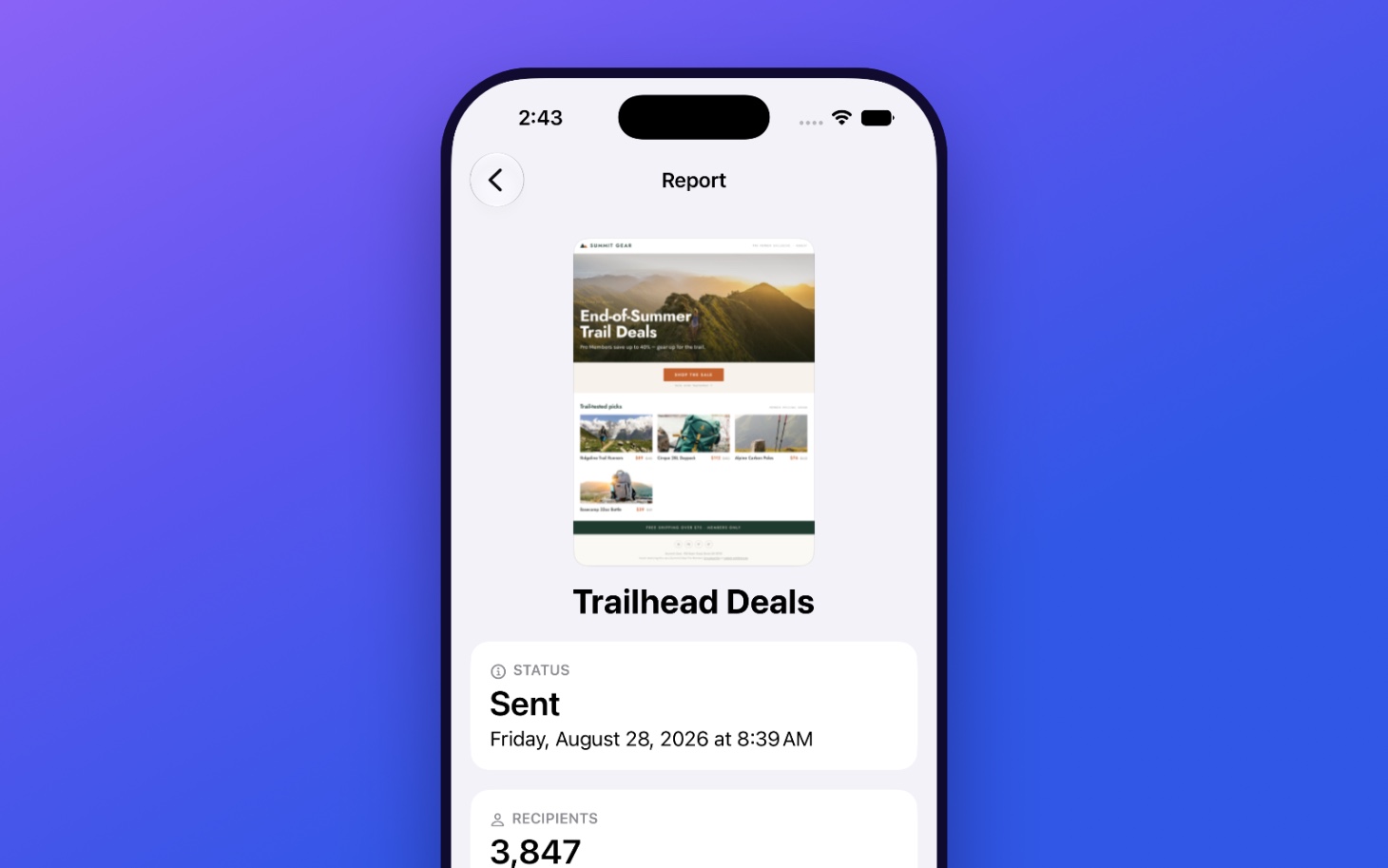
Sending a campaign usually means checking in on it. Now your iPhone does the checking for you.
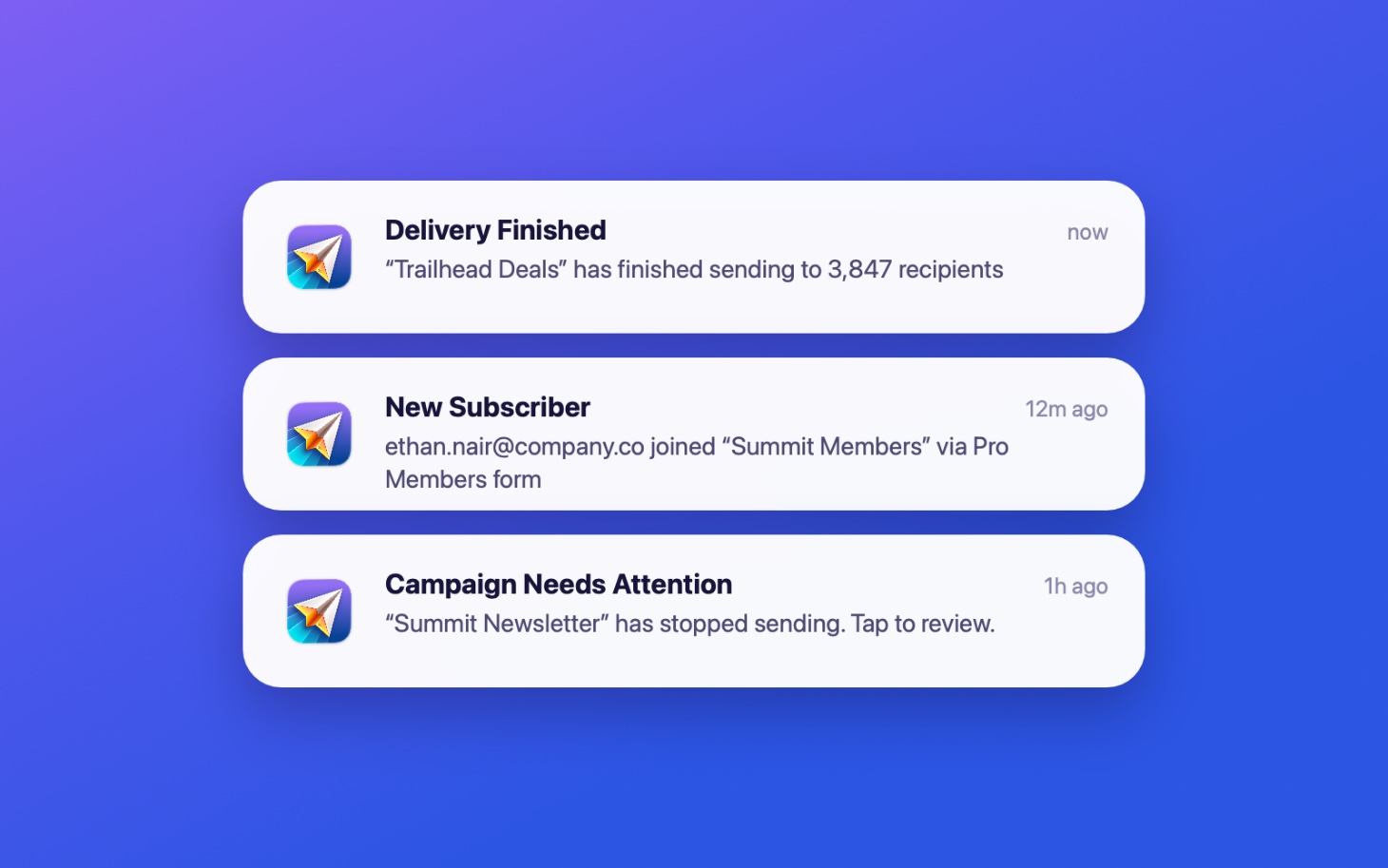
You’ll get a notification the moment a campaign finishes sending, when new subscribers join your list, and when a campaign needs your attention. You choose exactly which notifications you want—including new-subscriber alerts for each individual sign-up form, so you can follow the sign-up forms that matter most and stay quiet about the rest.
Make a Last-Minute Change
Plans change. A sale gets pushed back, an event moves to next week, a typo turns up in a subject line at nine o’clock at night.
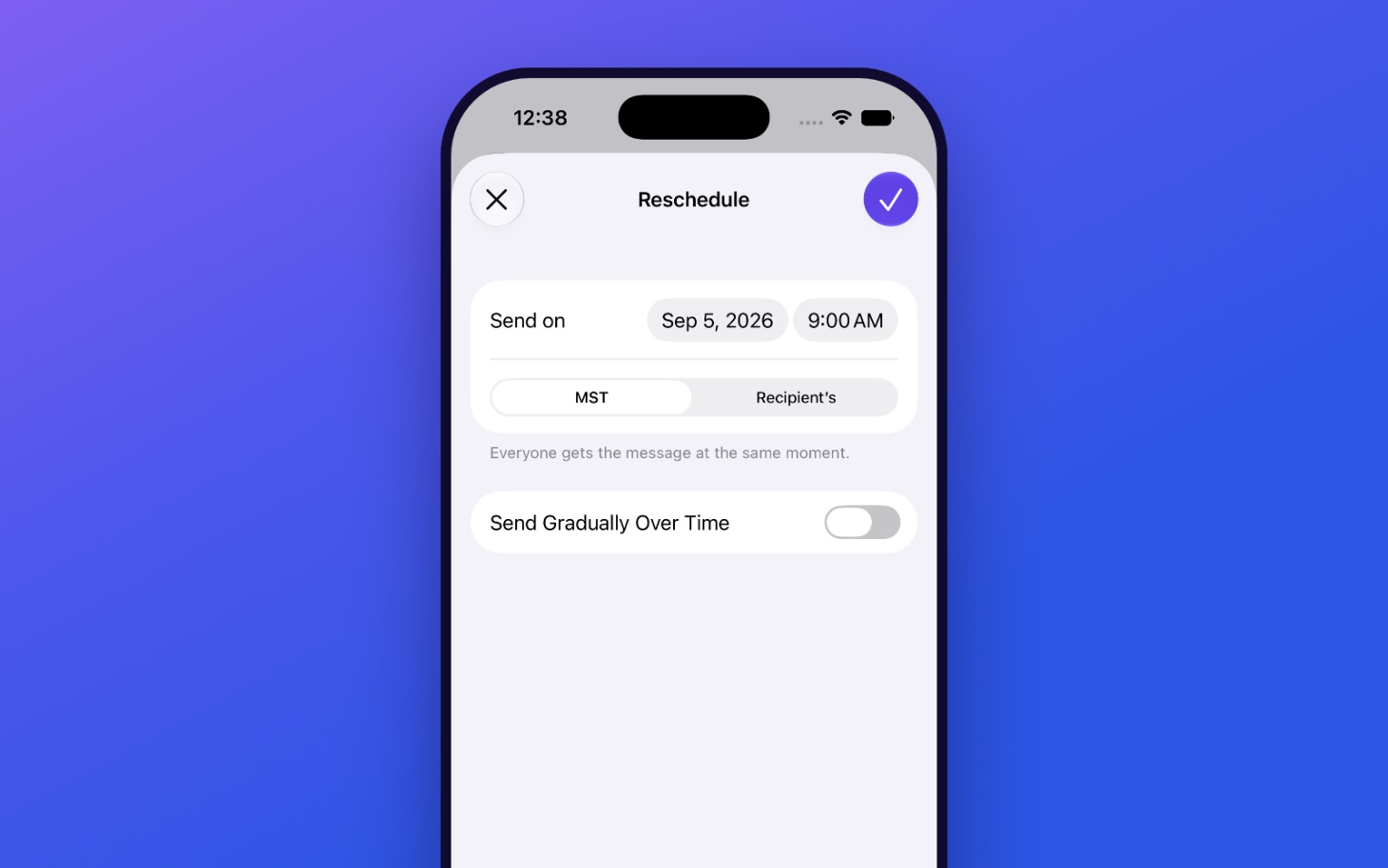
If a scheduled campaign needs to wait, you can cancel or reschedule it right from your iPhone. No need to run back to your Mac.
Share Reports and Messages
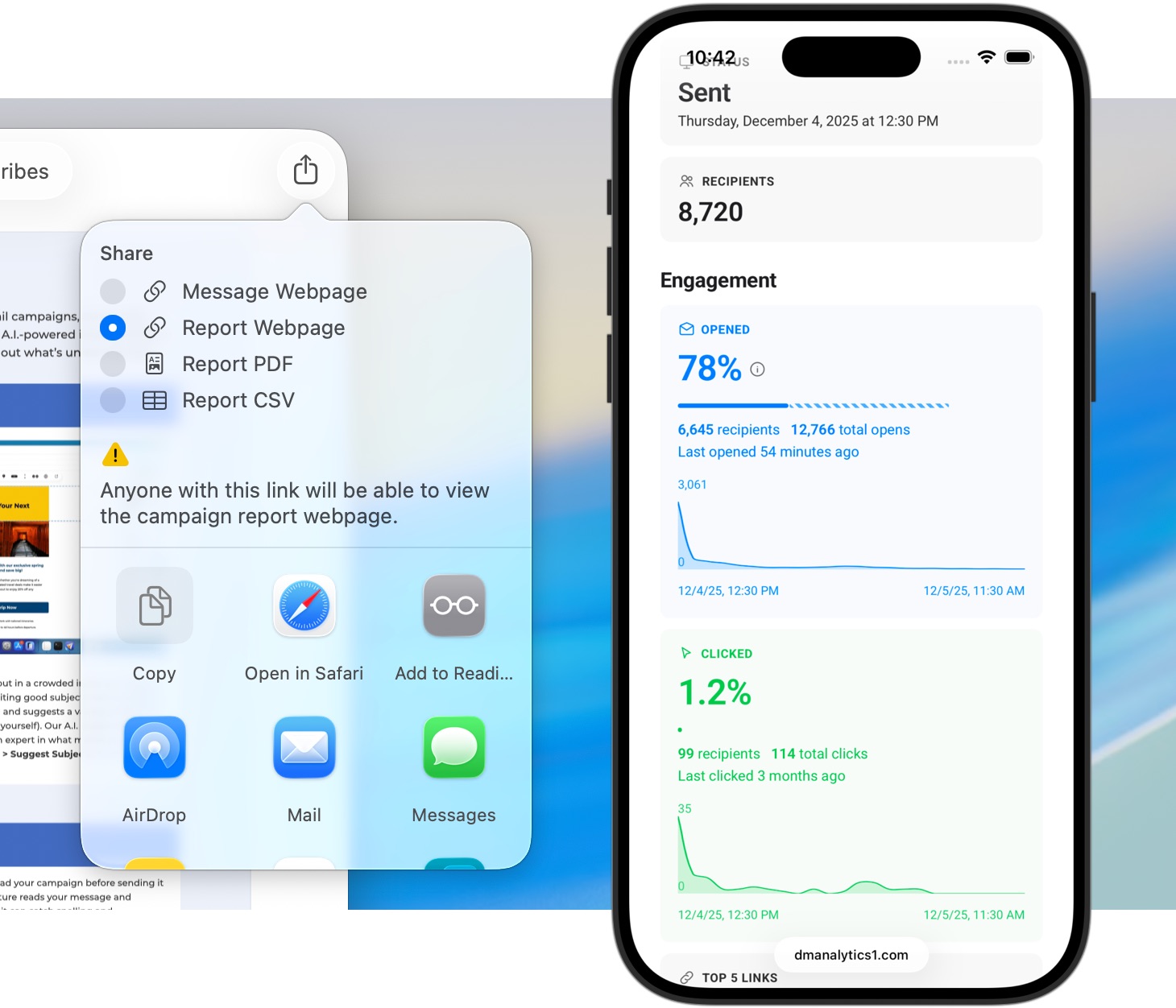
Your campaign reports are packed with useful information—opens, clicks, delivery results, engagement trends—and the people who want to see it aren’t always sitting next to you.
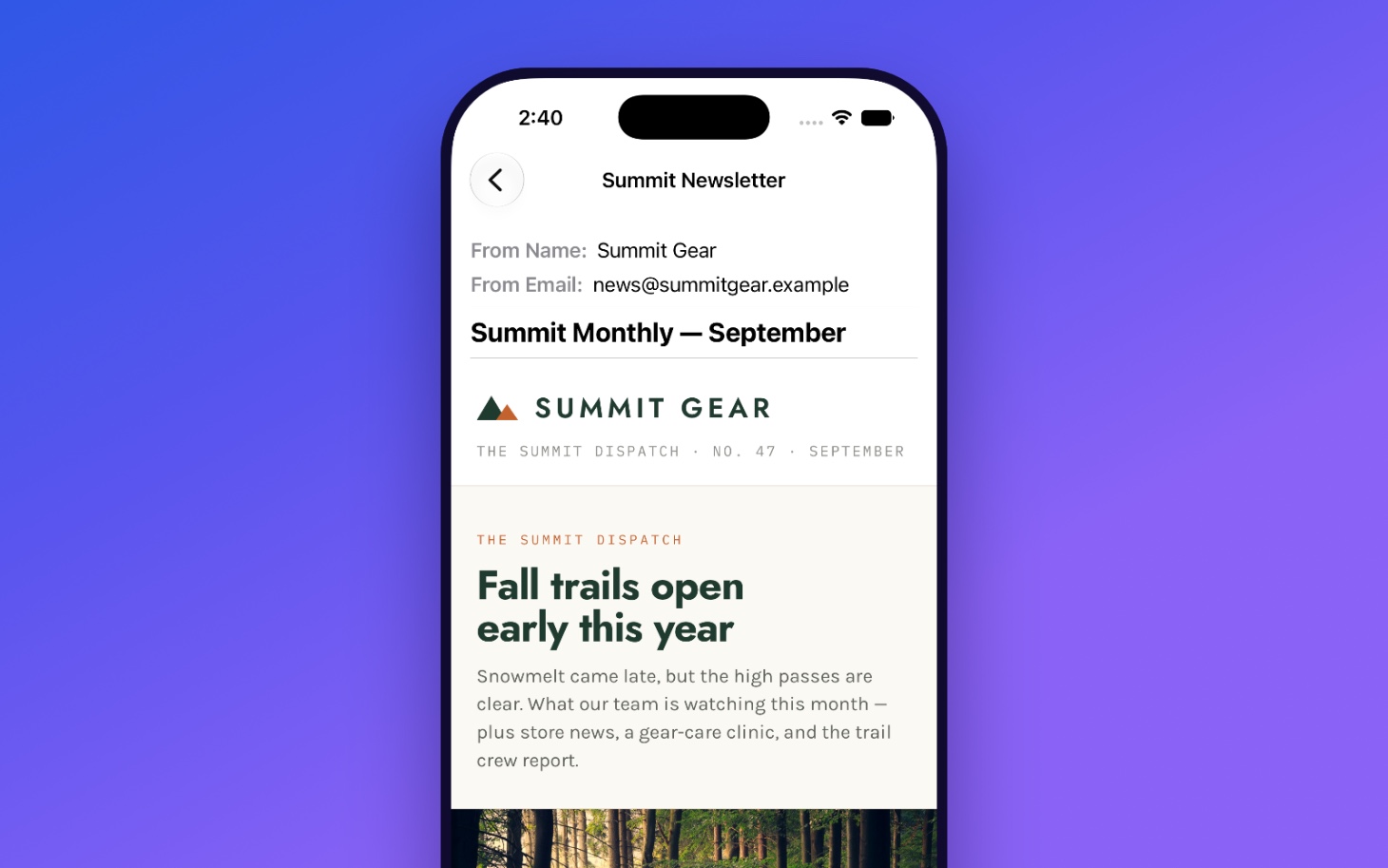
Want to show a client how their newsletter performed? Loop in a teammate? Send a manager the numbers on your way into a meeting? You can share a campaign report or a message straight from the app. Your messages render beautifully on iPhone, exactly as your recipients see them, so what you pass along is the real thing—not a screenshot of a screenshot.
Watch Your Audience Grow
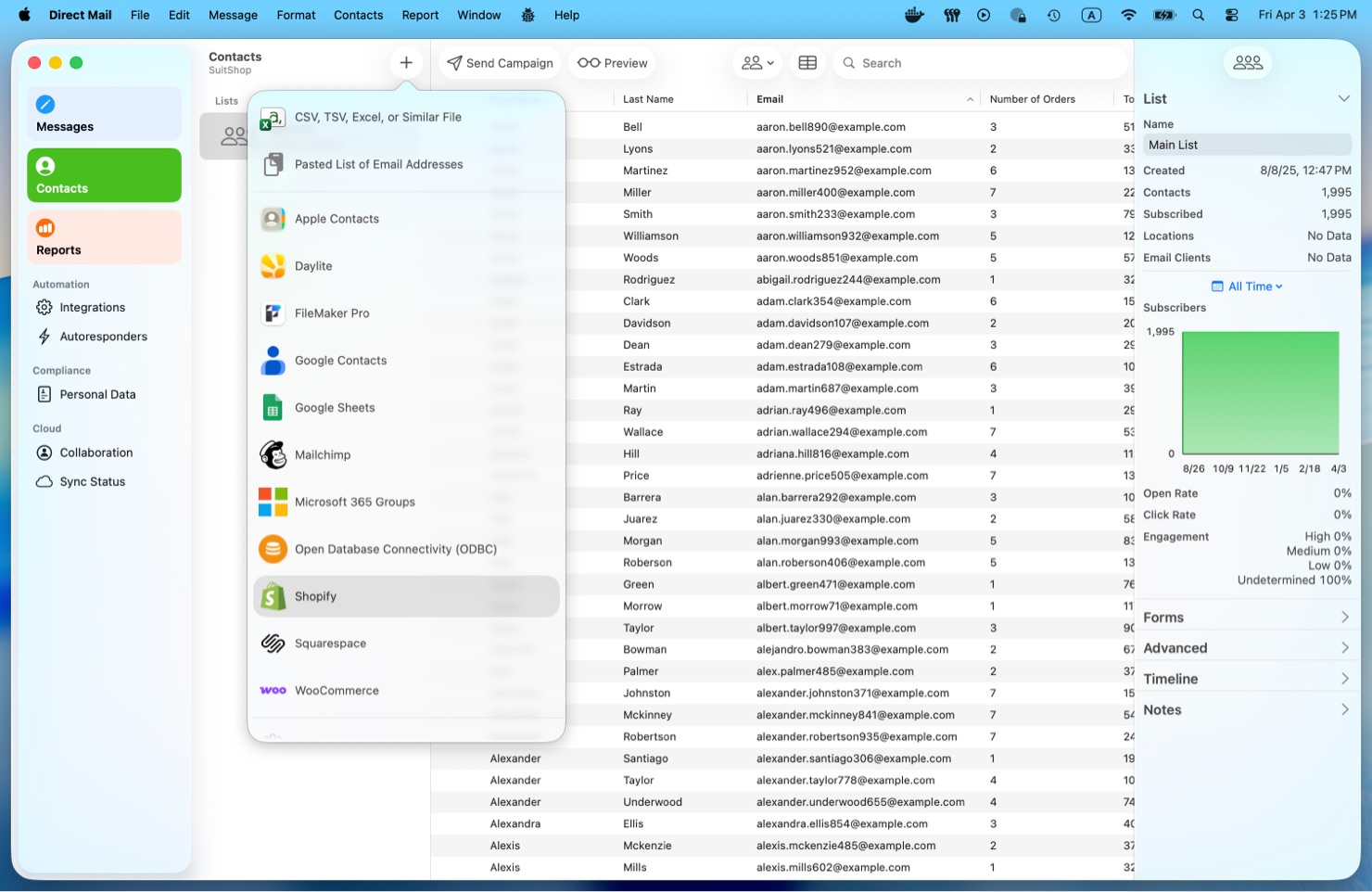
Direct Mail for iOS gives you a clear picture of your mailing lists, with subscriber growth charts and sign-up funnel statistics that show you where your audience is coming from. You can browse your lists, groups, and contacts, too—everything stays in sync with your Mac.
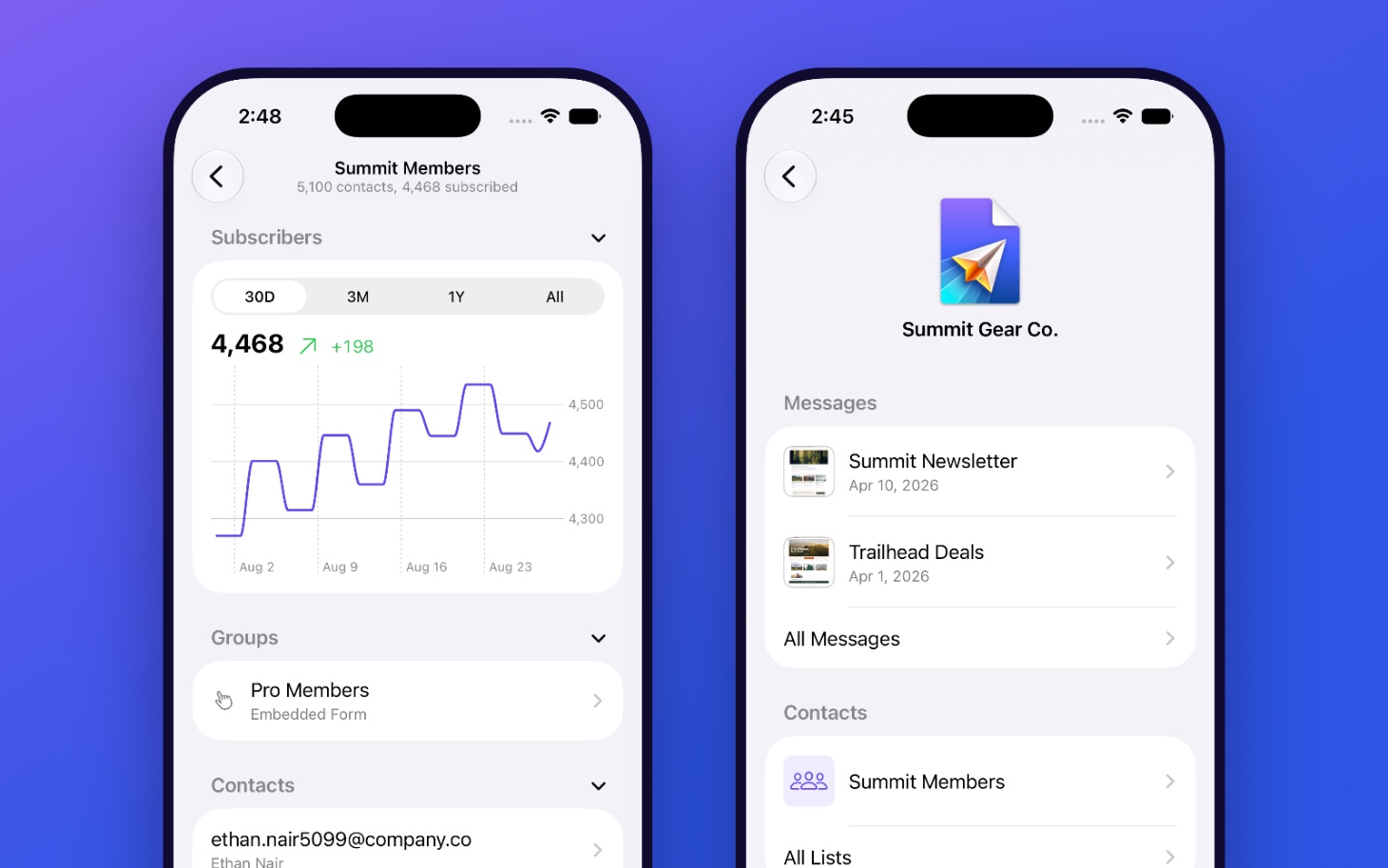
Every project on your account is organized just the way it is on your desktop. And everything you’ve viewed is cached on your iPhone, so it opens instantly, even offline.
Right at Home on iPhone
We built Direct Mail for iOS to be fast, native, and to take full advantage of the Apple technologies you already use every day.
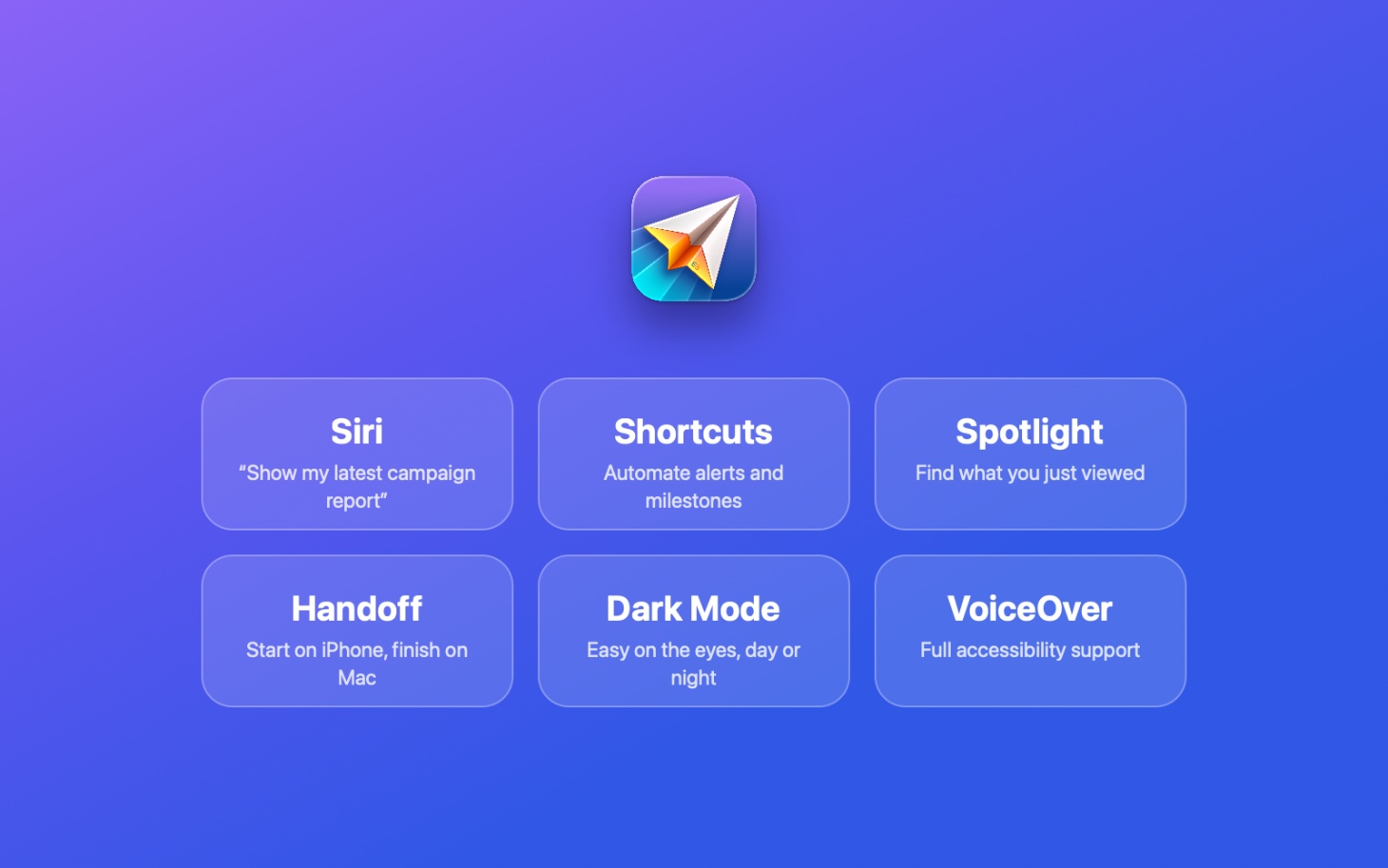
Ask Siri to show you your latest campaign report. Build a Shortcut that notifies you when you cross a thousand subscribers. Turn up what you were just looking at in Spotlight. Start something on your iPhone and finish it on your Mac with Handoff. Dark Mode keeps things easy on the eyes, day or night, and full VoiceOver and accessibility support means the app works the way that works best for you.
Available Now
Direct Mail for iOS is available now on the App Store. Download it, sign in with your Direct Mail account, and stay connected to every campaign you send.

Direct Mail for iOS requires a Direct Mail for Mac account. Campaign creation, mailing-list editing, and sending are handled by Direct Mail for Mac.
Share Your Thoughts
We’d love to know what you think about Direct Mail for iOS. Please send us a note and let us know how the app could work even better for you.
P.S. We are retiring our old iOS app, Stamps. If you have it installed on your phone, you’ll see it automatically updated to Direct Mail for iOS.